Request a BD1DMB / KD3CSB card
Use this workflow for confirmed QSOs, SWL reports, or a non-QSO collector card. Requests are stored for admin review and status tracking.
Available QSL card designs
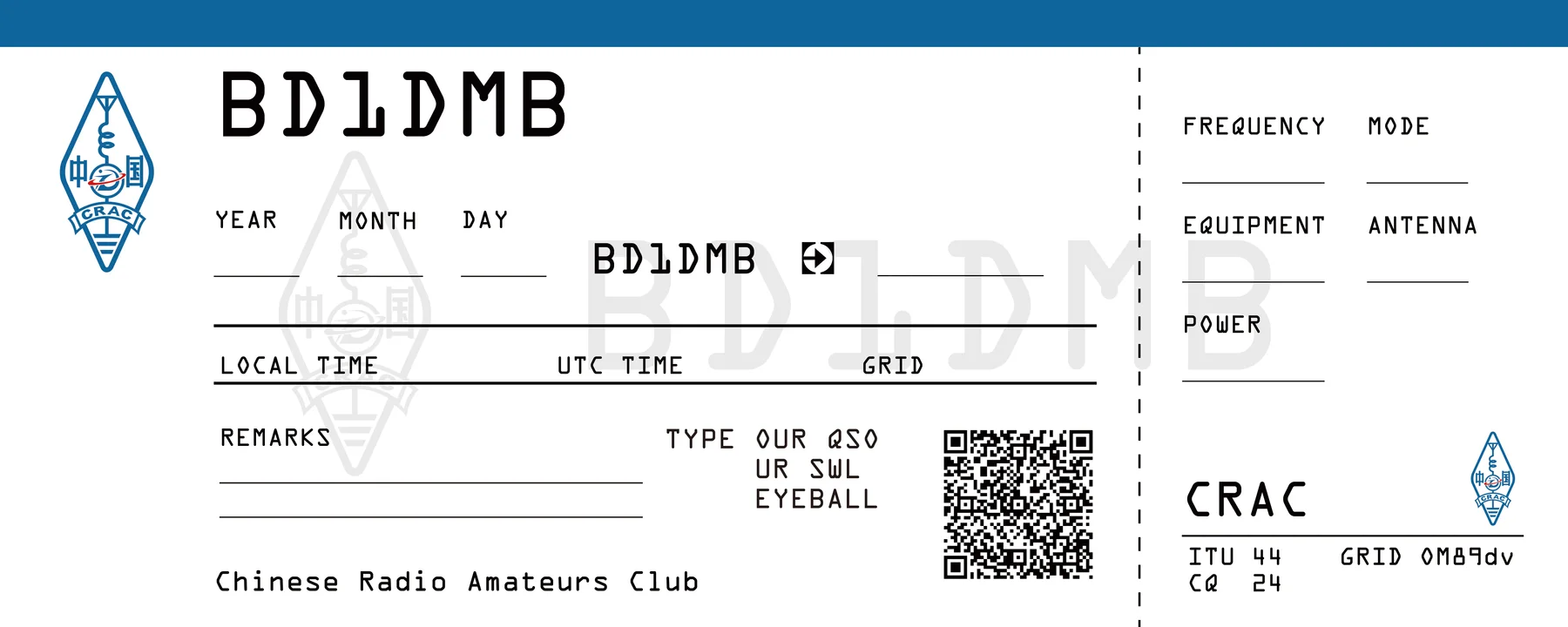
Preview the current card fronts and back before submitting a request.


From request to card
Every submission starts as Pending and moves through a review workflow in the protected dashboard.
Submit
Send QSO, SWL, or collector details with paper, electronic, or both-card preference.
Review
The admin dashboard matches confirmed QSOs and records request notes/status changes.
Fulfil
Approved requests move through shipped and completed states with tracking when available.
Status states
QSL records are never public by default. Personal address/email data is visible only inside the admin dashboard.
Paper cards can take time. Electronic responses are normally faster once the request has been reviewed.